Self-hosted fleet manager for OpenClaw AI agents
OpenClaw is a powerful autonomous AI agent — but it's built for one operator, one instance, one CLI. ClawFarm gives you a web dashboard to deploy, isolate, and manage a fleet of them on your own hardware.
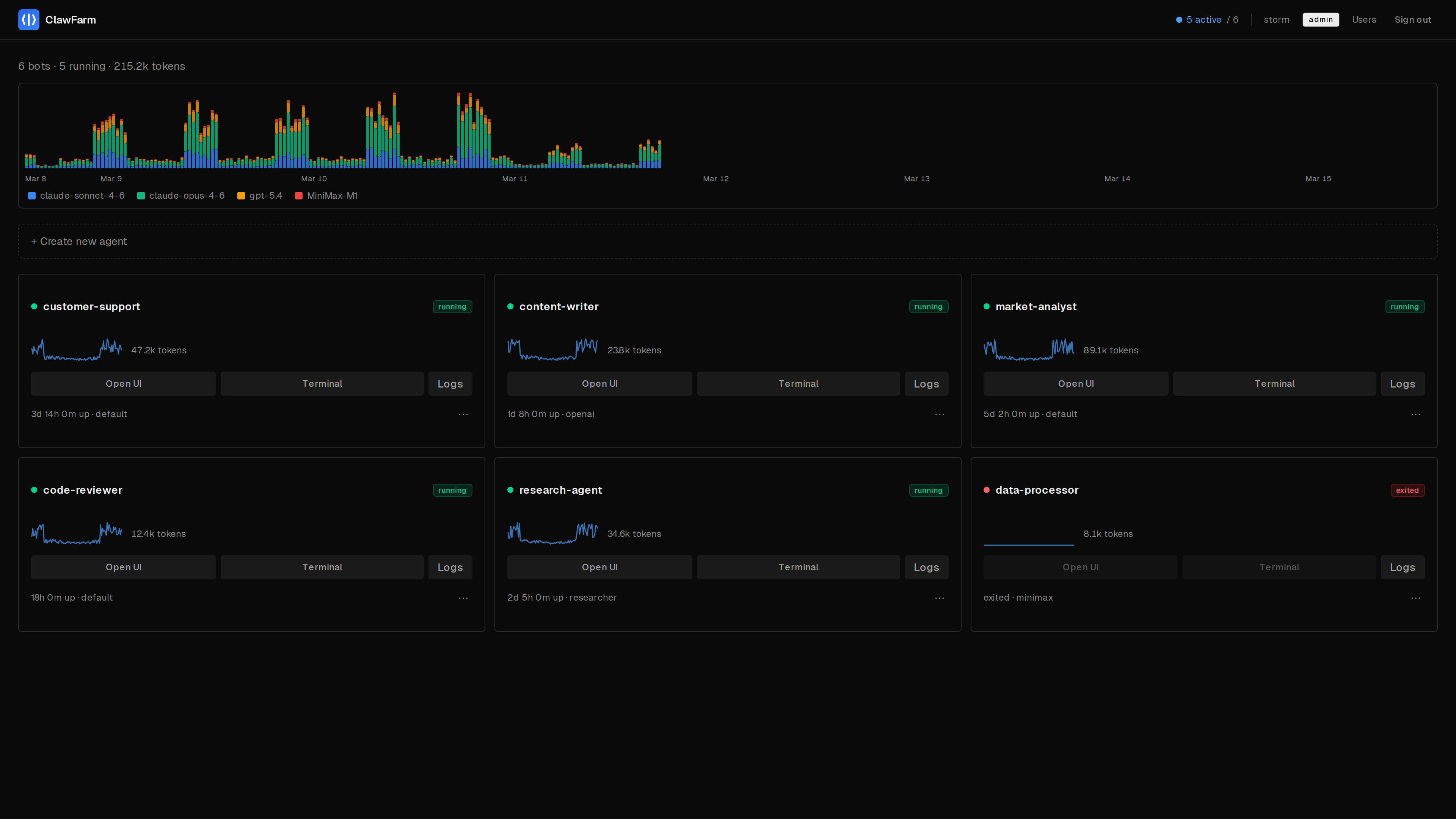
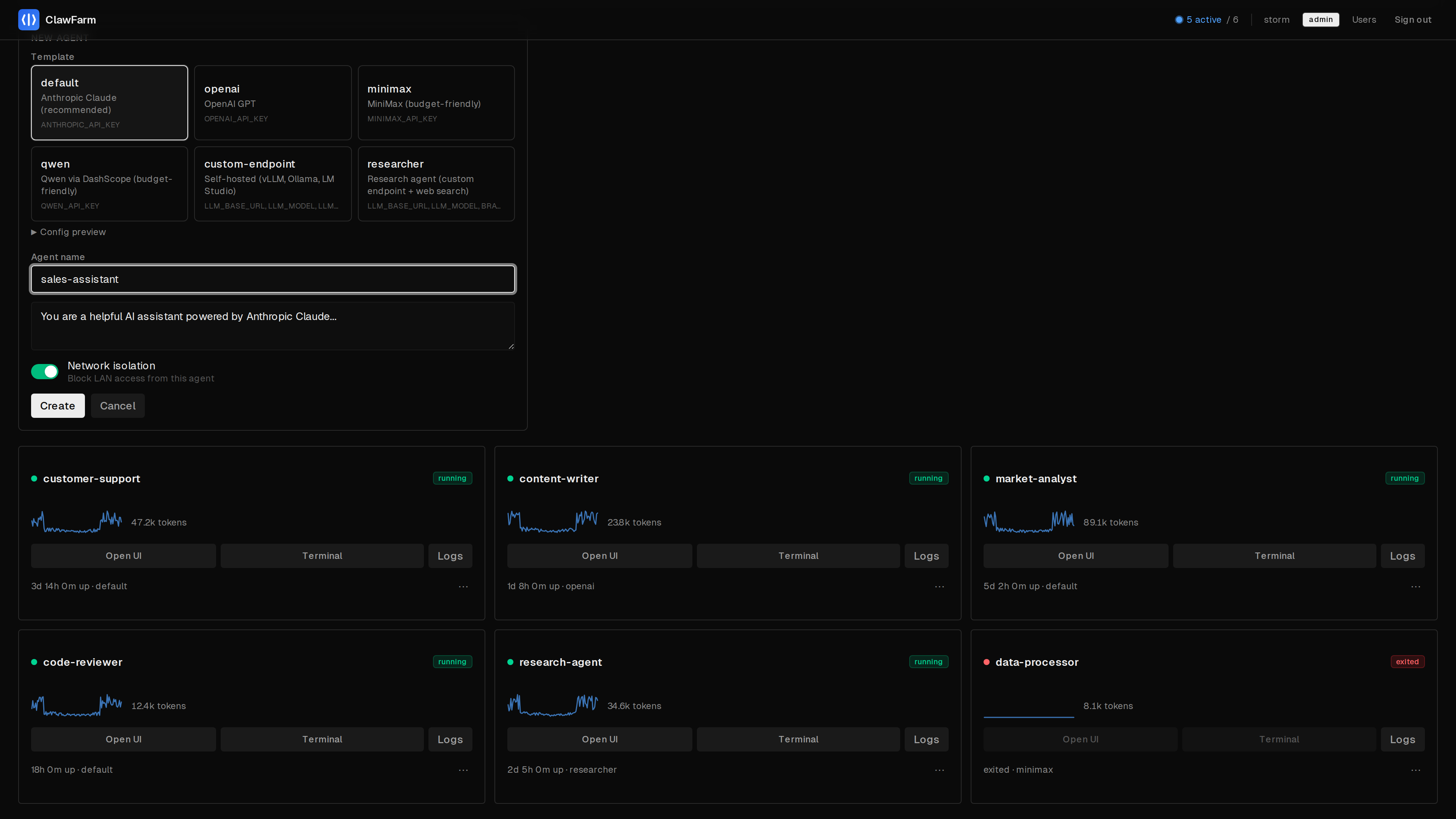
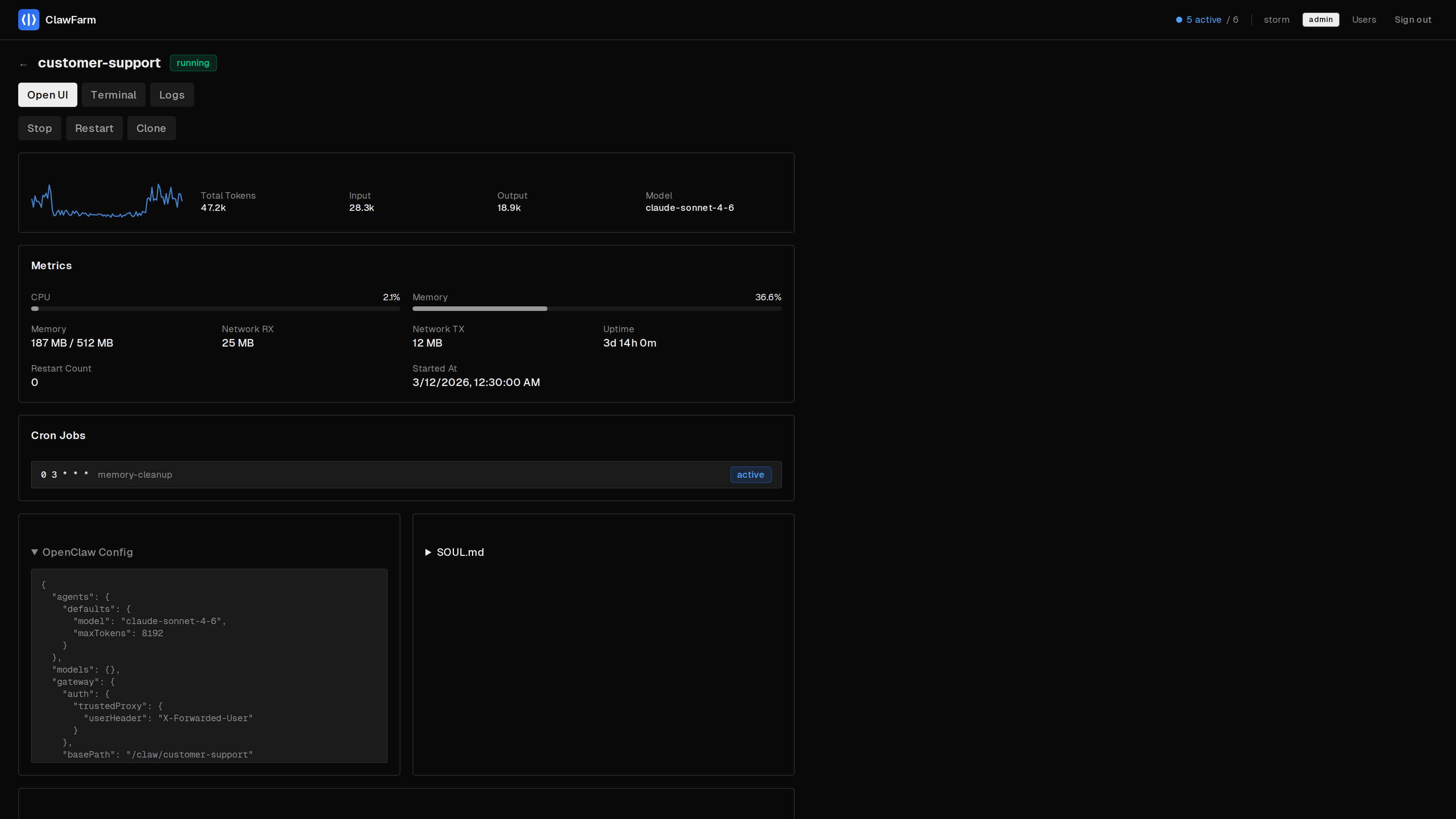
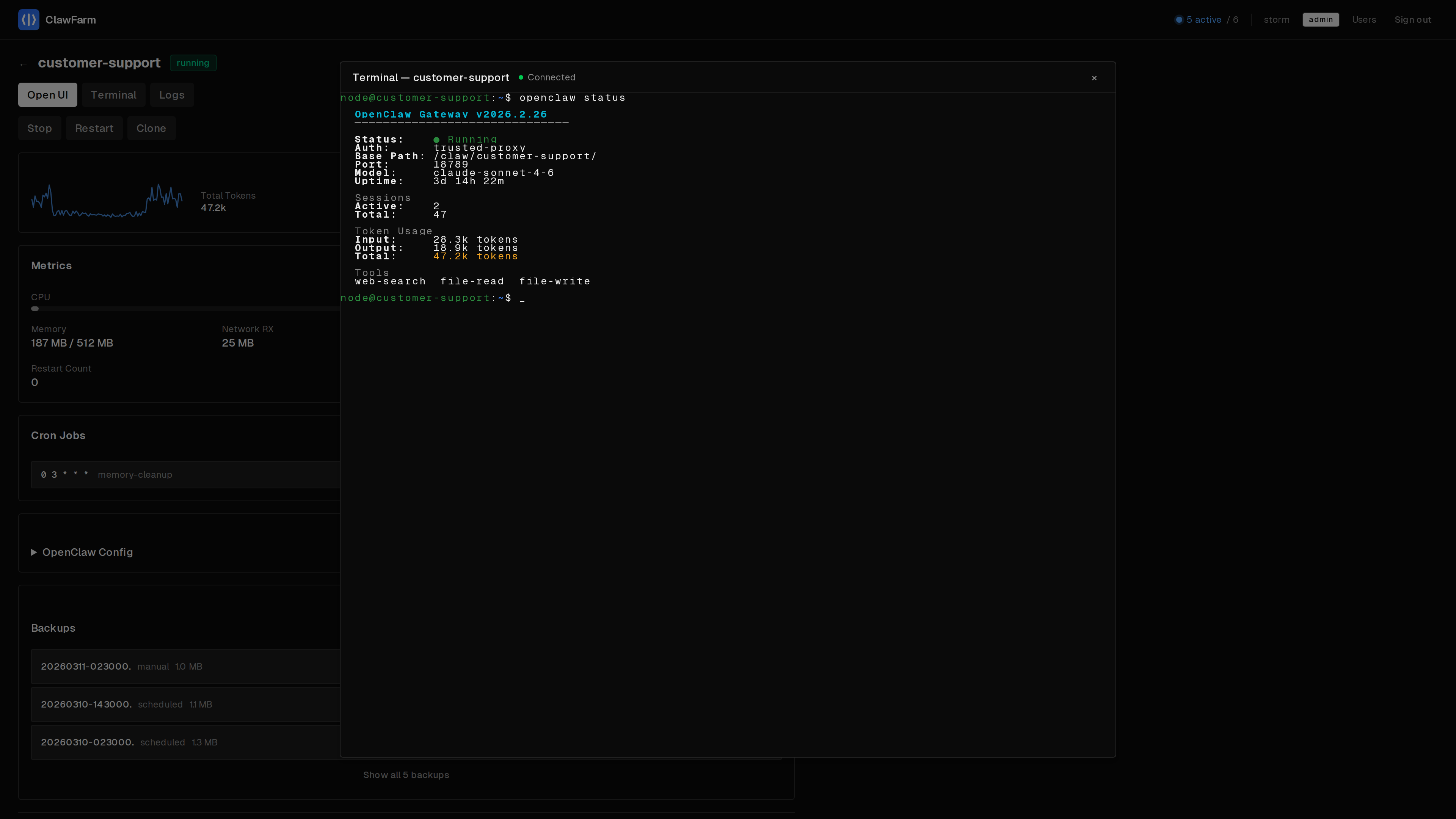
Quick Start
Three commands. No TLS certificates to generate, no Docker GID to look up.
# Clone & configure
$ git clone https://github.com/clawfarm/clawfarm && cd clawfarm
$ cp .env.example .env   # add your LLM provider details

# Launch
$ docker compose up -d

# Open https://<your-ip>:8443
# Admin password: docker compose logs dashboard | head -20
What you get
Everything you need to run a fleet of AI agents. The AI capabilities are 100% OpenClaw — ClawFarm handles the operational infrastructure.
Container Isolation
Each agent runs in its own Docker container and network. Agents can't see each other or reach your LAN.
Multi-User RBAC
Per-agent access control enforced at the reverse proxy layer. Users only see and manage their own agents.
Backup & Rollback
Scheduled hourly backups with configurable retention. One-click restore to any previous state.
Zero-Config HTTPS
Caddy handles TLS termination with path-based routing under a single port. Four modes from self-signed to Let's Encrypt.
Web Terminal
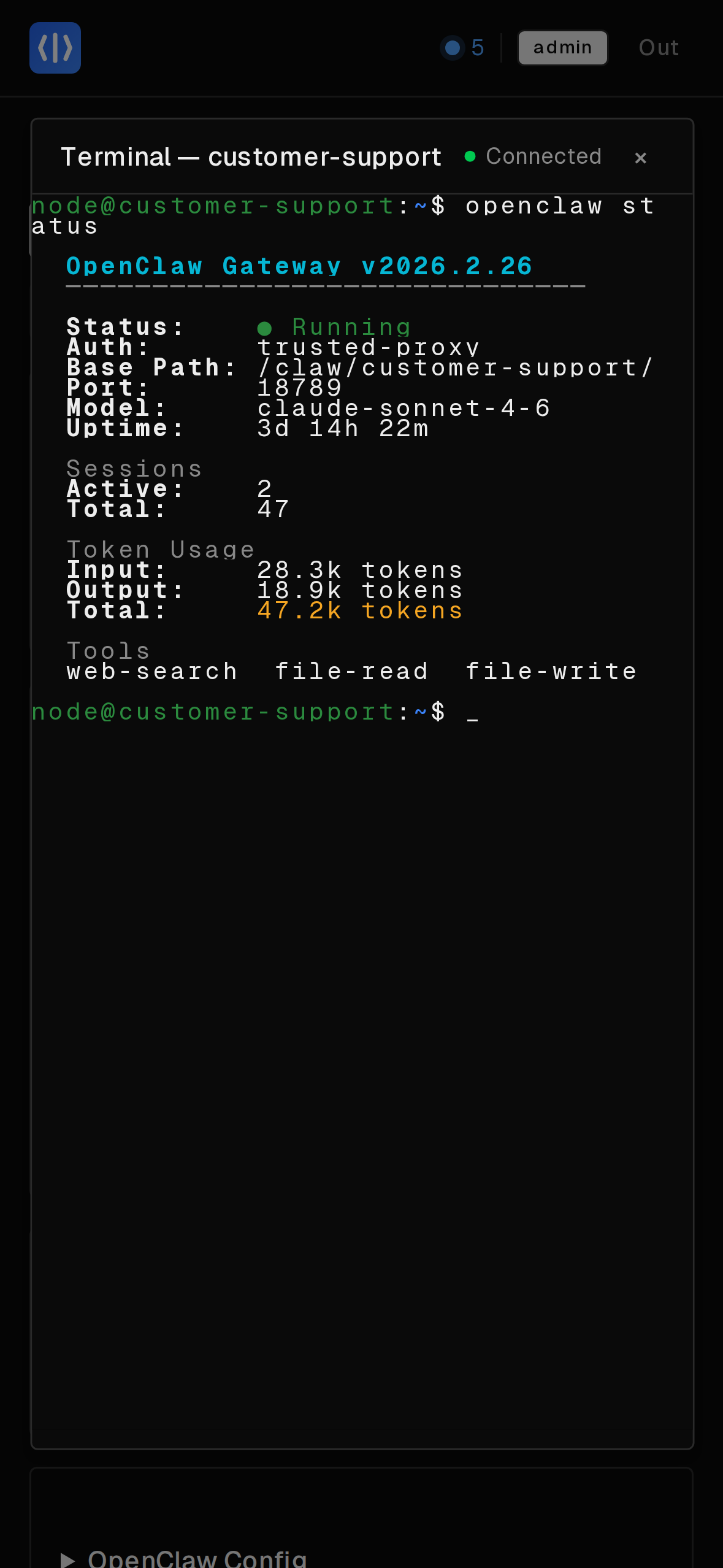
Interactive shell into any running agent container, directly from the dashboard. No SSH or docker exec needed.
Monitoring
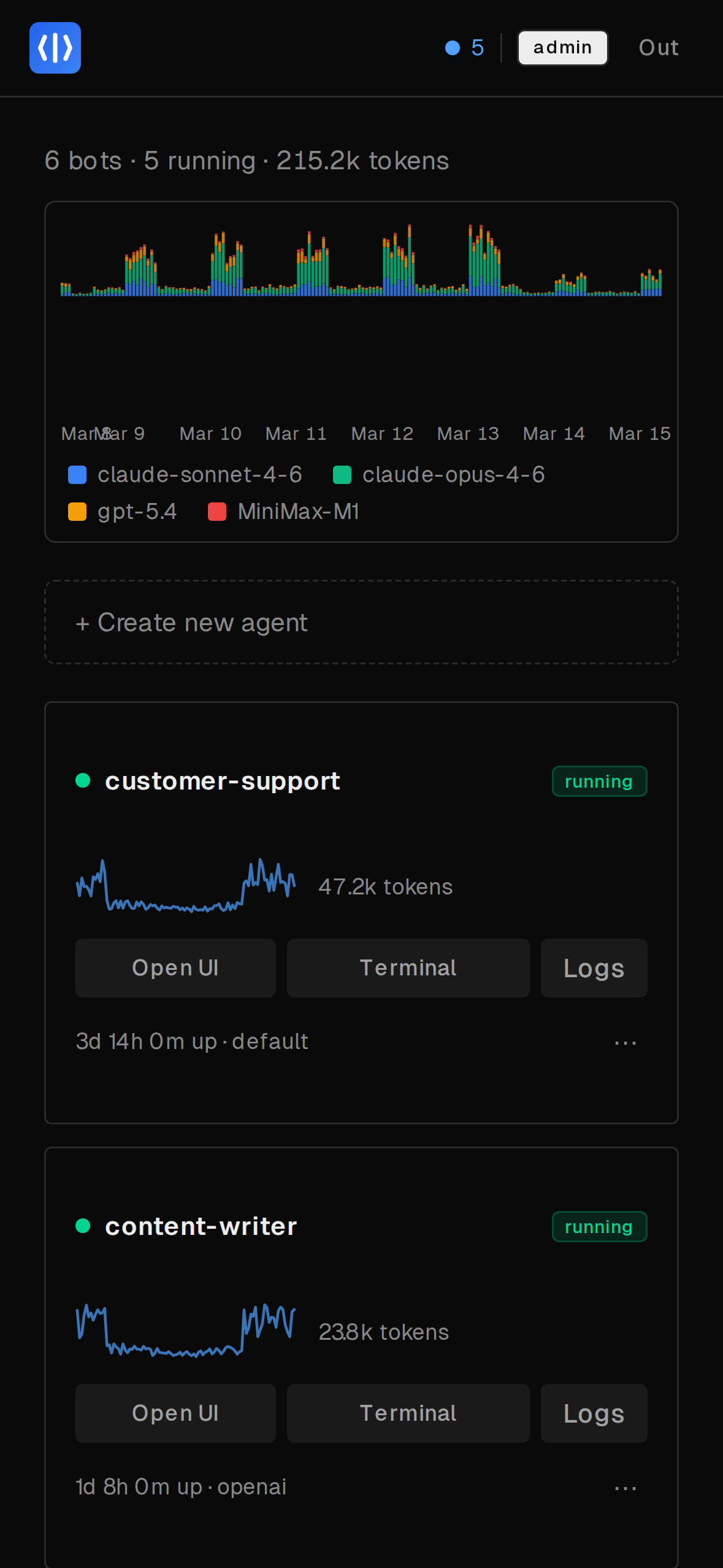
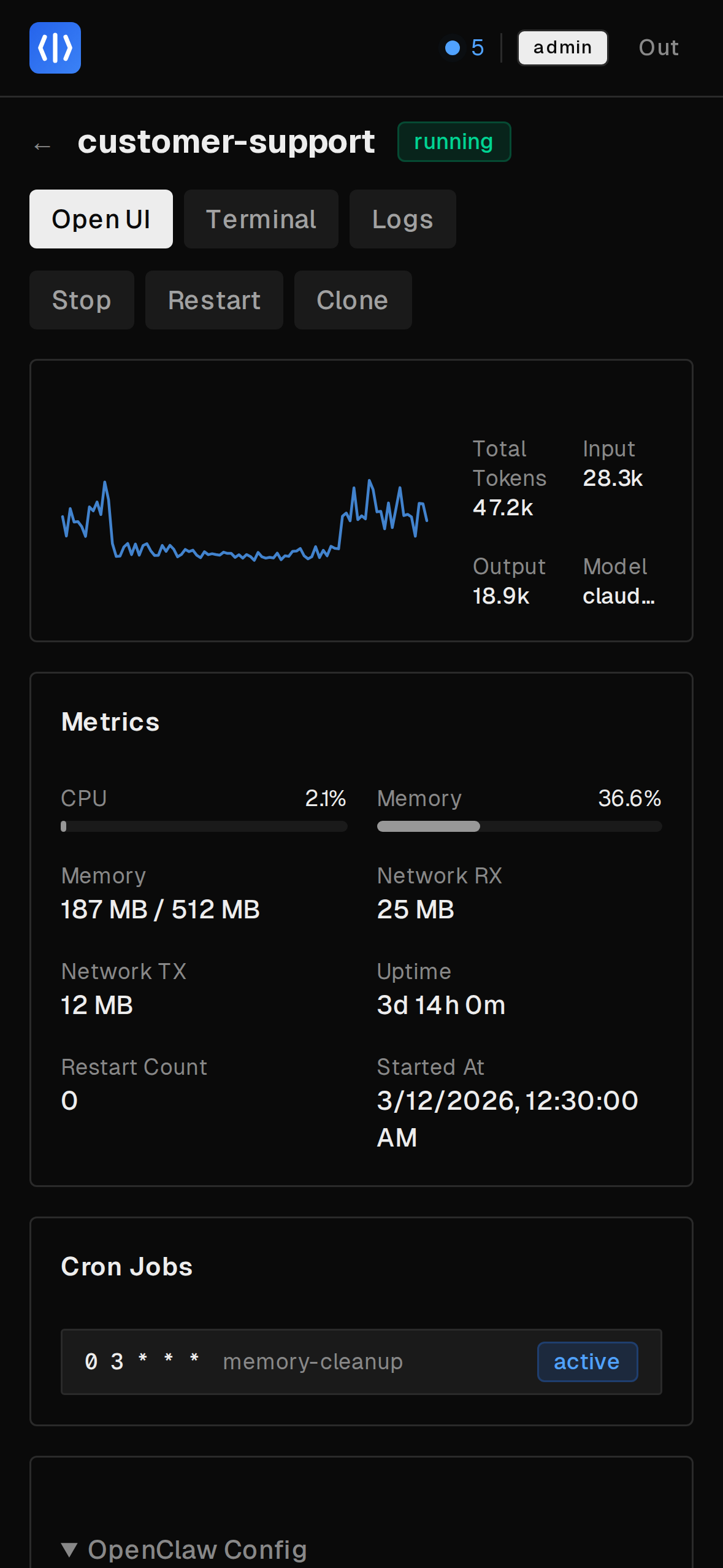
CPU, memory, storage, and token usage per agent. Fleet-wide stats at a glance from the dashboard.
Templates
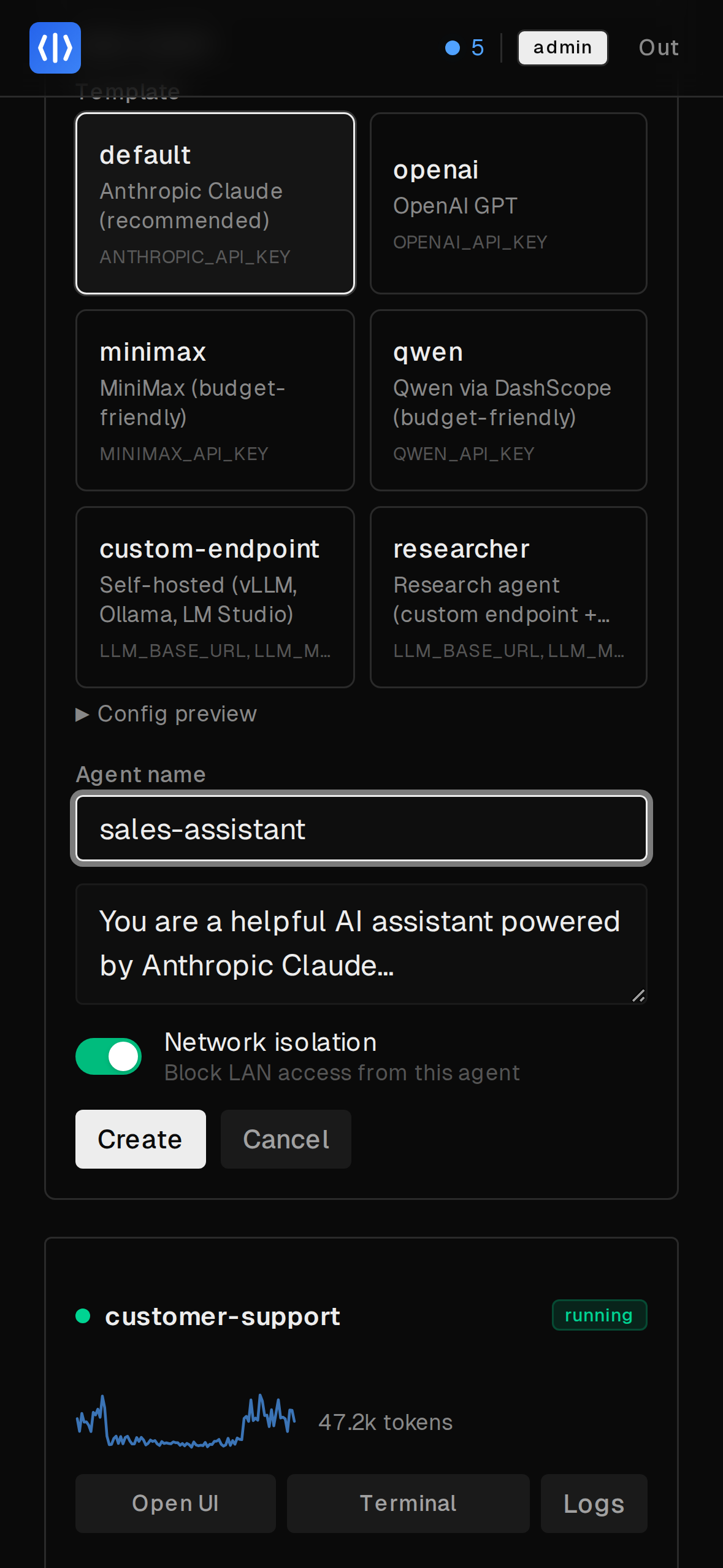
Define reusable agent configs with environment variable substitution. Create new agents in seconds.
Deployment Modes
Four TLS modes to fit your setup. Caddy handles all of it — you just set one env var.
Internal
Auto-generated self-signed cert. Zero config — just deploy.
Works out of the box. No DNS required.
ACME
Automatic Let's Encrypt certificates. Set your domain and go.
Custom
Bring your own certs from an existing PKI or corporate CA.
Off
Plain HTTP. For when ClawFarm sits behind nginx, Traefik, or Cloudflare.
Works with any LLM
Built-in templates for major providers. Any OpenAI-compatible API works too — local or cloud.
Cloud APIs
Anthropic Claude, OpenAI GPT, MiniMax, Qwen — one template per provider, just add an API key.
Local Models
vLLM, Ollama, LM Studio — use the custom-endpoint template and point to your server.
Mix & Match
Different agents can use different providers. Run Claude for coding and GPT for research side by side.
Architecture
All Docker, all the way down. Dashboard, frontend, and reverse proxy run as containers. Each agent is another container with its own isolated network.
/claw/{name}/*), forward_authReady to deploy your fleet?
Three commands to a running fleet. All agent data stays on your hardware.